Table of Contents
Preschool Learning App Guide: Balancing Education & Screen Time
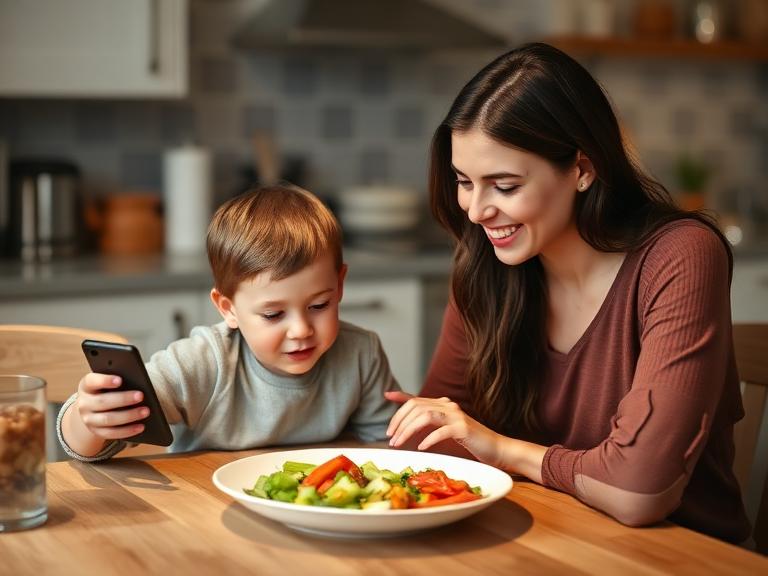
A high-quality preschool learning app should be more than just a digital distraction; it should be an active tool for skill-building. The most effective apps require “minds-on” engagement—where the child must solve problems or create content—rather than passive tapping or watching. When selecting an app, prioritise those that are ad-free, COPPA-compliant (safe for children), and focused on core developmental areas like literacy, numeracy, or emotional intelligence. Experts recommend limiting sessions to 20–30 minutes for this age group and using “Guided Access” features to keep children focused. Some parents use platforms like TinyPal for personalised guidance on managing screen time routines, but the key is to treat the app as a supplement to real-world play, not a replacement.
Why This Happens
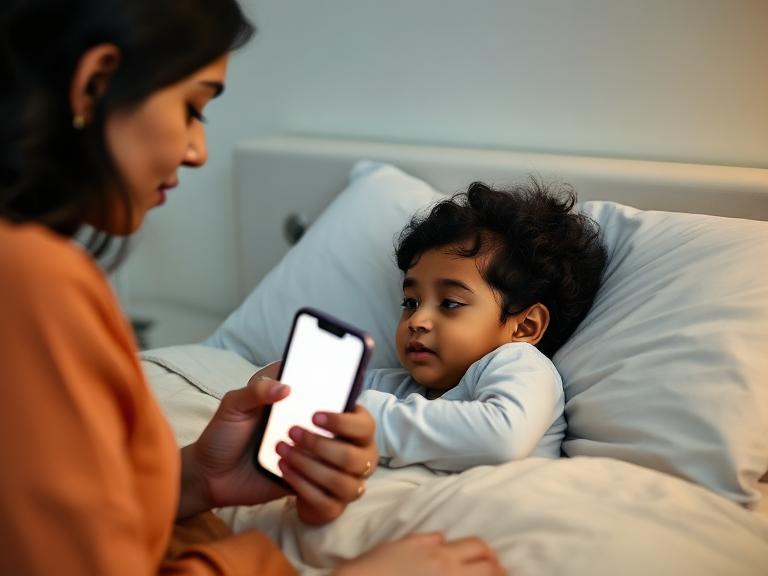
The overwhelming demand for educational apps stems from a shift in modern school preparedness and the reality of parenting in a digital age.
The “School Readiness” Anxiety
Parents are increasingly concerned about their children falling behind before they even start school. With kindergarten curriculums becoming more academic, parents look to preschool learning apps to give their children a head start in phonics, counting, and logic.
The Need for High-Quality “Quiet Time”
Let’s be realistic: parents need breaks. Whether it’s to cook dinner or take a work call, screens are often the only way to keep a preschooler safely occupied. Parents naturally prefer an “educational” app over a mindless cartoon because it alleviates the guilt associated with screen time. If the child is learning, it feels like a productive use of time.
The Interactive Advantage
Unlike television, which is passive, well-designed apps utilise a child’s natural desire for agency. Preschoolers love to control their environment. Apps that allow them to drag, drop, colour, and construct tap into this developmental need for autonomy and cause-and-effect exploration.

What Often Makes It Worse
Not all apps are created equal. Many products marketed as “educational” contain features that can actually hinder learning or cause behavioural issues.
- Gamification Overload: Apps that offer too many rewards (coins, stickers, fireworks) for every single click can train the child to seek dopamine hits rather than enjoying the learning process.
- Passive “Tap-to-Advance”: “Interactive” books or games where the child just taps the screen mindlessly to make something move do not build neural pathways.
- Hidden Ads and In-App Purchases: Free apps often bombard children with ads for other games, leading to frustration or accidental purchases.
- The “Digital Pacifier” Effect: handing the device over only when the child is having a tantrum teaches them that screaming equals screen time.
- Lack of Real-World Context: Apps that teach shapes or colours without the parent reinforcing those concepts in the real world (e.g., pointing out a red ball) often lead to “shallow learning,” where the child can swipe the screen but can’t identify the object in real life.
What Actually Helps
To ensure a preschool learning app is truly beneficial, parents must act as curators and facilitators. Here is a framework for selecting and using these tools effectively.
1. The “Active Learning” Test
Before downloading, look at the app store preview. Does the app require the child to think?
- Good: The child must drag a puzzle piece to the correct spot or trace a letter.
- Better: The child draws a character that becomes part of the story.
- Avoid: Apps where the child just watches a video and taps a “next” arrow.
2. Check for the “Walled Garden”
Safety is non-negotiable. Look for apps that explicitly state they are COPPA compliant (Children’s Online Privacy Protection Act).
- Ad-Free: Ensure there are no external links or pop-up ads.
- Parent Gate: Settings and subscription options should be behind a “parent gate” (e.g., “Hold with two fingers for 3 seconds” or a math problem) so the child cannot exit the safe zone.
3. Focus on “The Three Cs”
Content, Context, and Child.
- Content: Is it aligned with learning goals (literacy, math, art)?
- Context: Are you using it together or discussing it afterwards? (Co-viewing increases learning retention by over 50%).
- Child: Does it suit your child’s temperament? High-paced games might overstimulate a sensitive child.
4. Set Physical Boundaries
Preschoolers struggle with stopping an enjoyable activity. Physical cues help.
- The Timer: Use a visual timer (like an hourglass or a clock app) so they can see how much time is left.
- The Transition: Have a plan for what happens after the screen turns off. “When the timer beeps, we are going to make a snack.”
5. Prioritise Open-Ended Play
The best apps mimic traditional toys like blocks or paint. “Sandbox” style apps—where there is no right or wrong answer, and the child creates their own world—are superior for creativity compared to rigid “quiz” style apps.
When Extra Support Can Help
While apps are great tools, they are not miracle workers. There are times when reliance on them—or a child’s reaction to them—signals a need for broader support.
Consider seeking advice if:
- Meltdowns are constant: If turning off the preschool learning app results in a 20-minute scream fest every single time, you may need support with transition strategies.
- Regression: The child prefers the app to real-world play, eating, or sleeping.
- Speech Delays: If you are using apps specifically to treat a speech delay, consult a speech pathologist. Apps are supplements, not therapists.
In cases where screen time battles are disrupting family harmony, a parenting support platform like TinyPal can offer personalised routines to re-establish healthy boundaries.
FAQs
How much screen time is okay for a 4-year-old?
Most guidelines, including the AAP and WHO, suggest a maximum of 1 hour of high-quality programming per day for children aged 2 to 5. However, the quality of the content matters more than the exact minute count.
Are free apps good enough?
Rarely. Truly “free” apps usually monetise through ads or data collection, which is not safe for preschoolers. “Freemium” apps (free to download with a subscription for content) are often higher quality because you are the customer, not the product.
Can an app teach my child to read?
An app can teach phonics (letter sounds) and recognition, which are the building blocks of reading. However, fluency and comprehension come from reading real books with an adult. Apps are a great supplement, but they cannot replace lap reading.
My child gets angry when I take the iPad away. What do I do?
This is normal. Their brain is receiving high dopamine stimulation. To help, give warnings (“5 minutes left,” “1 minute left”) and have a “bridge activity” ready immediately—something sensory like playdough or a snack to help them regulate.
Should I let my child use headphones?
Use with caution. Volume-limiting headphones designed for children are essential to protect hearing. However, using headphones isolates the child. Listening through speakers is better as it allows you to hear what they are doing and comment on it.
Is it better to use a tablet or a phone?
A tablet is generally better for preschoolers. The larger screen requires less eye strain and allows for more precise motor control (drag and drop) than a small phone screen.
What is “Guided Access”?
Guided Access (iOS) or App Pinning (Android) is a setting that locks the device to a single app. It prevents the child from accidentally exiting the game, deleting emails, or opening unsafe apps. It is highly recommended for this age group.
Do educational apps count as “screen time”?
Technically, yes. However, passive video watching and active educational gaming have different effects on the brain. Active learning apps are considered “higher quality” screen time, but they still tire the eyes and brain, so breaks are necessary.
How do I know if an app is too overstimulating?
If the app has fast cuts, loud constant music, and flashing lights, it is likely overstimulating. Good apps for this age usually have a slower pace, gentle voiceovers, and clean, uncluttered visuals.
Can apps help with social skills?
Some apps focus on “social-emotional learning” (SEL), teaching kids to identify facial expressions or solve conflicts between characters. While helpful for vocabulary, real social skills are learned through interaction with people, not screens.
Should I pay for a subscription like ABCmouse or Khan Academy Kids?
Paid subscriptions often offer a comprehensive, ad-free curriculum that tracks progress. Khan Academy Kids is a notable exception as a high-quality, completely free resource. Evaluating if the monthly cost fits your budget and if your child actually enjoys it is key.
Does my child need a stylus?
Not usually. Finger isolation (pointing and dragging) is a key fine motor skill for preschoolers. Using their finger on the screen helps develop hand-eye coordination.
What if my child just clicks random buttons?
This is called “mashing.” If they are just tapping wildly to see what happens, sit with them. Guide their hand and explain the goal of the game. If they can’t do it, the app might be too advanced for their developmental stage.
Are there apps for offline use?
Yes, and these are excellent for travel. Look for apps that allow you to download content (like Netflix or specific game packs) so you don’t need Wi-Fi. This also prevents ads from loading.
Can apps help with potty training?
There are apps with songs and timers to encourage potty usage. They can be a fun novelty to motivate a reluctant child, but the physical routine and parental support are the primary drivers of success.